
Track Builder
Master the HOT WHEELS Infinite Rush Track Builder: snap modules onto terrain, wrap tracks around skyscrapers, test with virtual rivals and share your designs online.
Introduction
The Track Builder is the signature feature of HOT WHEELS Infinite Rush. You open the editor, choose a surface — ground, buildings or high above the city — and snap track modules together so they adapt to the terrain and blend into the environment. Add loops, ramps and stunt pieces, race virtual opponents on your creation to test its flow, then publish and share the track with friends and the community. This page teaches the full workflow: how to access the builder, how module snapping works, how to build vertical and sky tracks, and how to get your designs in front of other players. We also collect the best community builds and design tips for making tracks that are fun to race and easy to share.
Track Builder Workflow
| Stage | How It Works | Best For |
|---|---|---|
| Pick a surface | Ground, buildings or high above the city | Planning your track style |
| Snap modules | Pieces adapt to terrain and blend in | Natural-looking layouts |
| Add stunt pieces | Loops, ramps and vertical sections | Exciting and challenging tracks |
| Race virtual opponents | Test flow and pacing against AI | Balancing difficulty |
| Publish & share | Send your track to friends and community | Growing the track library |
Builder Breakdown
Module Snapping
Pieces that adapt to terrain and blend into the environment
Vertical & Sky Tracks
Building on buildings and high above the city
Stunt Pieces
Loops, ramps and trick sections that add excitement
Virtual Opponents
Race AI rivals to test flow before you publish
Publishing & Sharing
Get your track into the community library
Core Mechanics
The Track Builder works by snapping modular track pieces onto almost any surface in the open world. Choose a starting point on the ground, a building wall, or a high spot above the city, then connect pieces that automatically adapt to the terrain. Because tracks can wrap around skyscrapers and cross terrain features, verticality is a big part of design — sky tracks and building-hugging routes are both possible. The editor lets you race virtual opponents against your creation, which is the best way to test flow, catch broken sections and tune difficulty before sharing. Publishing makes the track available to friends and the community track library, so your best designs can be raced by other players.
Advantages
Mastering the Track Builder turns the open world into your personal race track factory. Instead of driving the same Career circuits, you can design exactly the kind of race you enjoy — a high-speed sky loop, a technical stunt gauntlet or a relaxed scenic route. Testing against virtual opponents before sharing prevents embarrassing broken tracks and helps you learn what makes a good racing line. For multiplayer, a shared custom track gives you and your friends a fresh reason to race together, and the community library means there is always new content to try.
Challenges
The Track Builder is still being fully documented by the community. Exact module lists, placement limits and share-code mechanics are not all officially published, and Early Access patches may change how pieces snap together. Very ambitious vertical builds can also be harder to test than flat tracks, and a poorly connected section can feel unfair to race. We recommend testing every track against virtual opponents at least twice before publishing, and we update the guides as the community discovers new building techniques.
Frequently Asked Questions
How do I access the Track Builder?+
Can I share tracks online?+
What is the best way to build a good track?+
Quick Tips
Snap a few pieces, drive them, then keep building — testing early catches broken connections long before you finish the layout.
Use vertical space. Building along skyscraper walls or into the sky makes your track stand out in the community library.
Race your track against virtual opponents at different difficulties. If it feels unfair on the easiest setting, smooth out the corners before publishing.
Featured
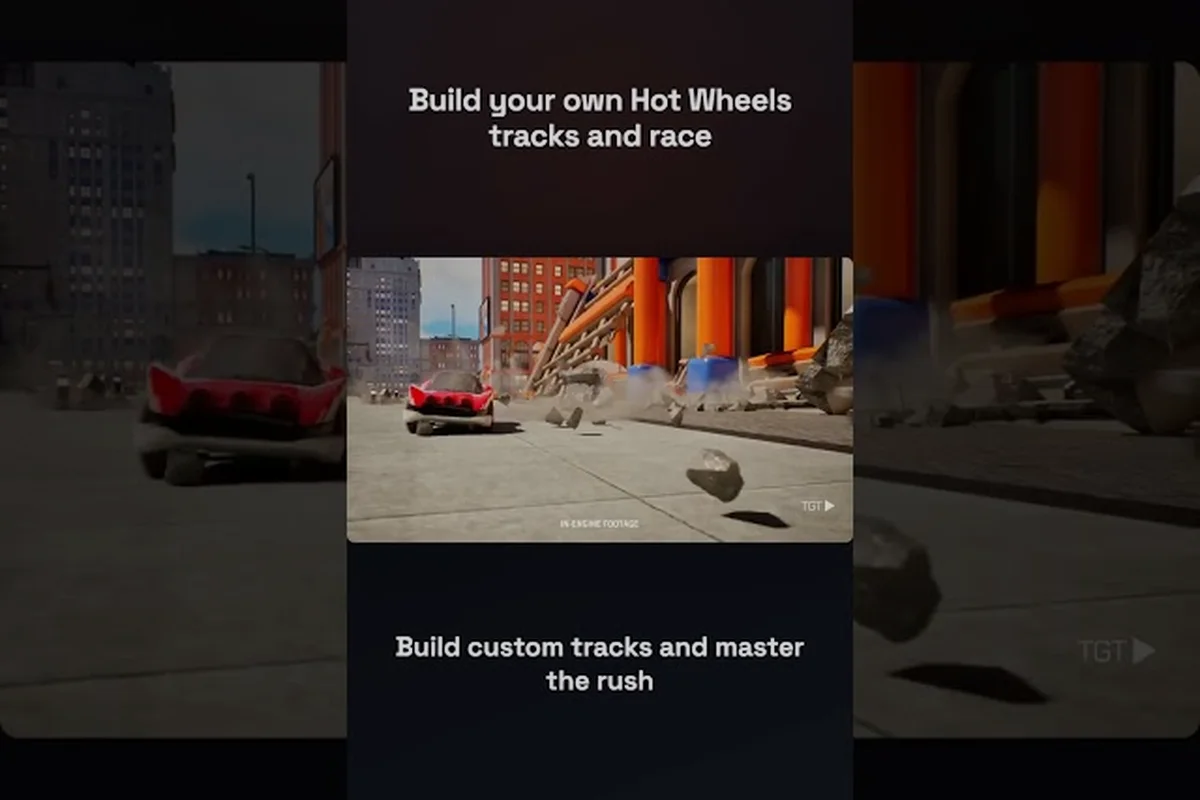
HOT WHEELS Infinite Rush Creative Tracks: Wild Editor Builds
Unlock the HOT WHEELS Infinite Rush creative tracks editor and craft impossible layouts, signature stunts, and wild builds worth sharing in the community library.

HOT WHEELS Infinite Rush Terrain Tracks: Biome Module Snaps
Build HOT WHEELS Infinite Rush terrain tracks that blend into every biome using ground-snapping modules, terrain-aware routing, and share-worthy library pieces.

HOT WHEELS Infinite Rush Track Builder: Module and Share
Master the HOT WHEELS Infinite Rush track builder with ground-snapping modules, AI action markers, and a full guide to creating, saving, and sharing custom tracks.
All Articles

HOT WHEELS Infinite Rush Track Building Tips: Combo and Publish
Sharpen your HOT WHEELS Infinite Rush track building tips with module combos, AI marker timing, and the fastest way to share tracks online.

HOT WHEELS Infinite Rush Loop Track: Vertical Drop Timing
Design a HOT WHEELS Infinite Rush loop track that nails speed and flair, with module placement, vertical drop timing, and stunt rewards that keep racers coming back.
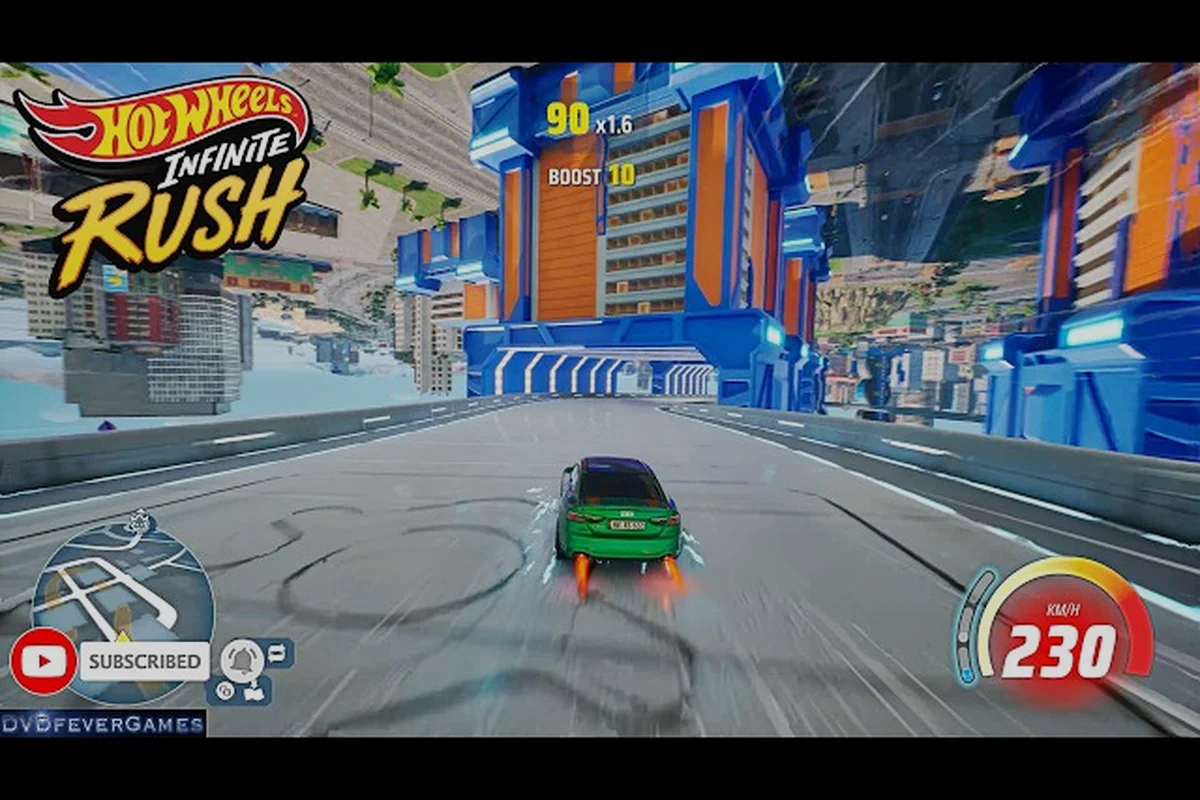
HOT WHEELS Infinite Rush Racing Your Own Track: Share Codes
Take HOT WHEELS Infinite Rush racing your own track from first test drive to polished build, with tuning checks, layout ideas, and how to share codes with friends.